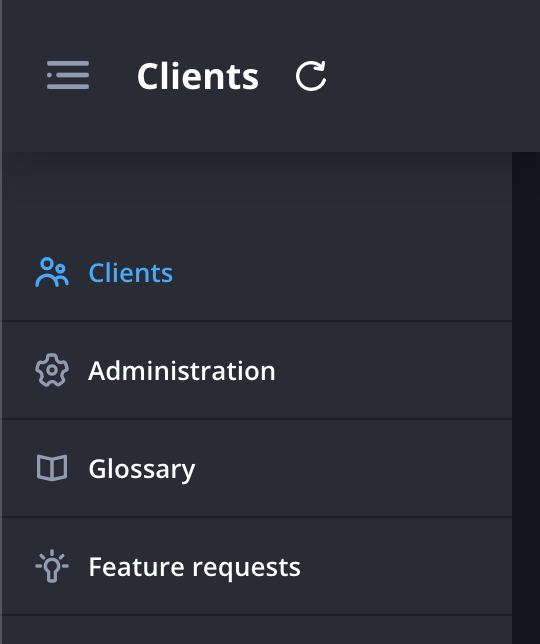
Click the plus icon at the top right of the clients page and select Add manually.
Download the CSV template to make sure your file is formatted correctly.
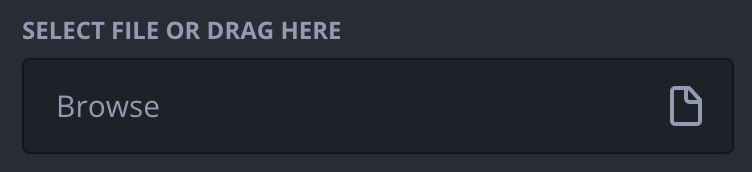
Click Browse and select your CSV file or drag and drop your file.
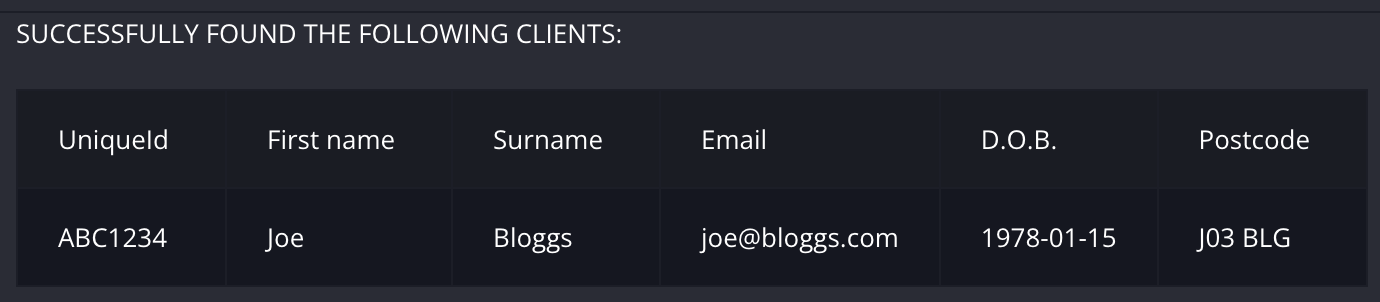
Review the summary of your upload, any errors with your CSV file will be shown here.
Click Add and send invite to add them and automatically send them a link to complete the profiler or Add to add them without sending a link (you can send them a link to complete the profiler later).
Did this answer your question?Thanks for the feedbackThere was a problem submitting your feedback. Please try again later.
.png)