.png)
Unlock "locked" reports
Reports are locked when there aren’t enough funds in your account to pay for it. You will need to contact an account administrator to unlock them. 
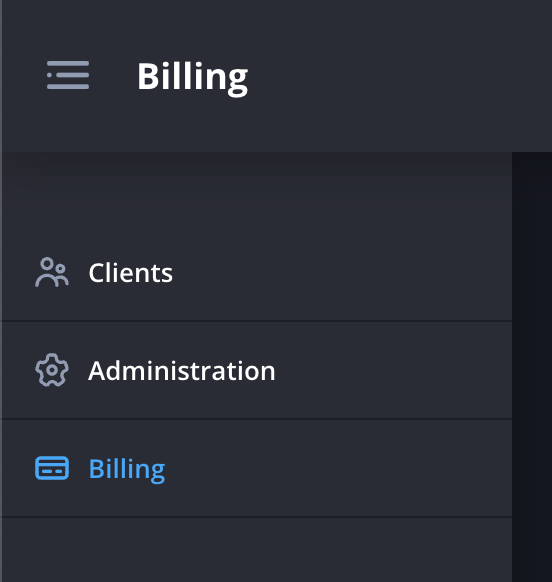
- Navigate to the Billing page.
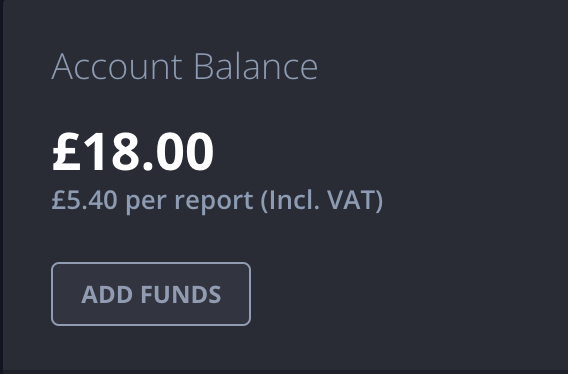
- Click Add Funds in the account balance panel.
- Enter the amount of funds you’d like to add.

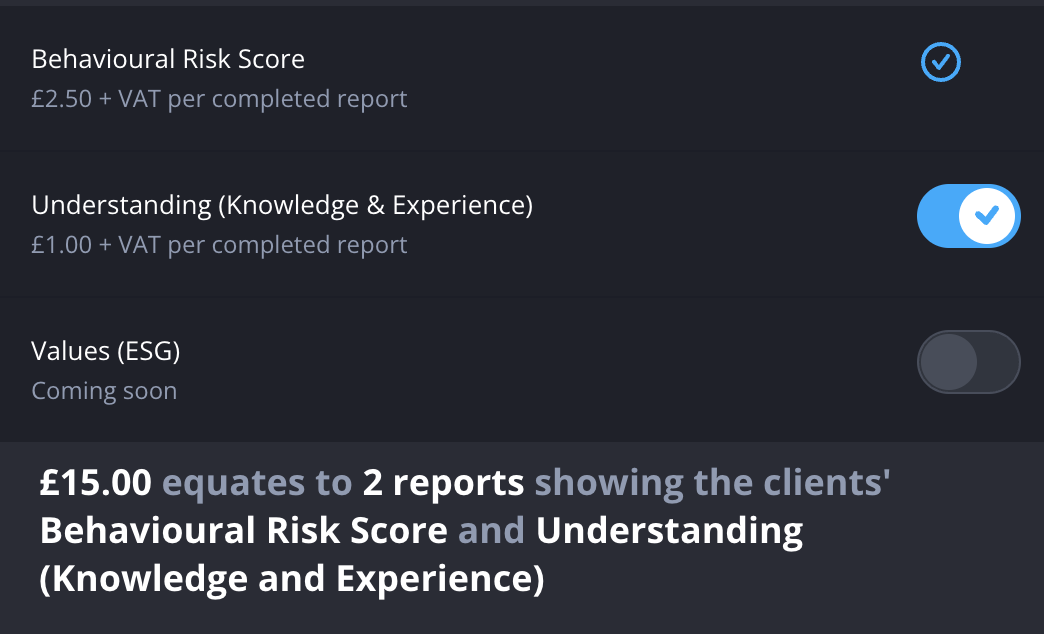
- Review the reports you’d like to generate for your clients. The summary at the bottom will show you how many reports this amount equates to.
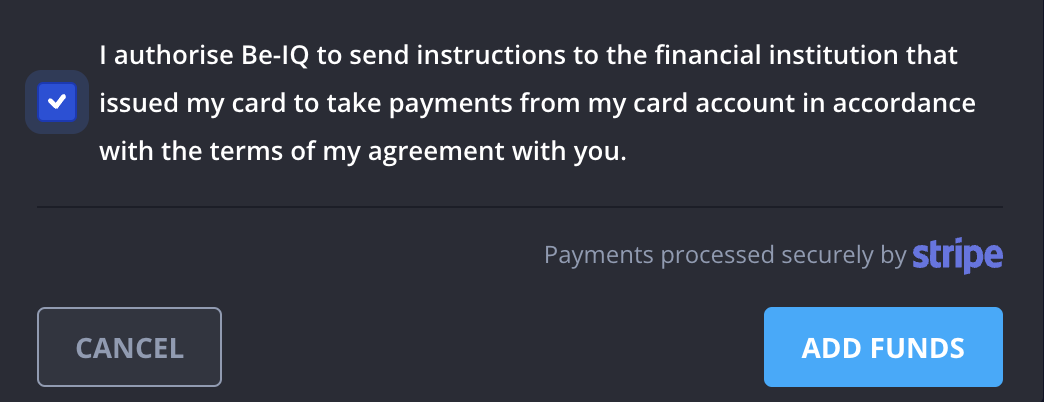
- Click the checkbox to agree to the terms, then click Add funds.
You can turn on automatic billing to avoid having to do this again in the future.