.png)
Cancel account
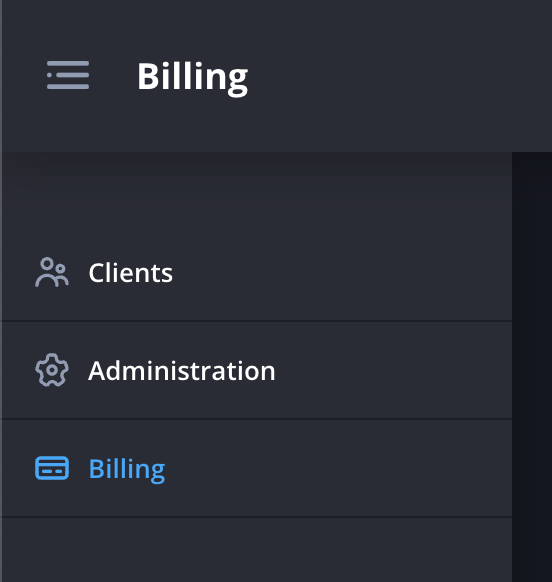
- Navigate to the Billing page.
- Click the checkbox to remove the tick in the Auto Renew section. This will turn off auto billing, meaning you will not be charged for any further reports beyond any you’ve already paid for.
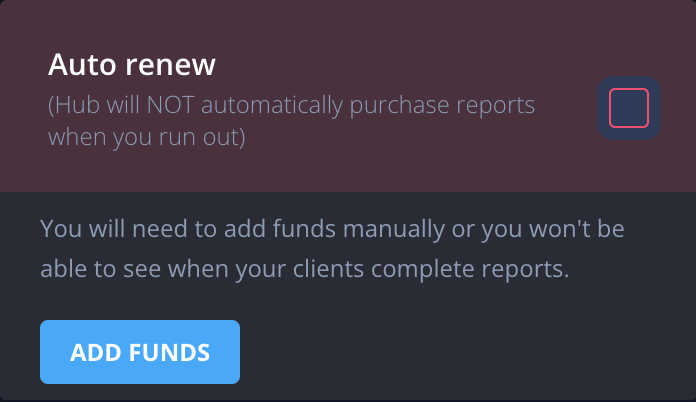
Thats it! As Hub charges in “stacks” as you go. There’s no need to cancel. You will still have access to all the reports you’ve paid for at no further charge.
Find out more about How billing works.