Reset my password
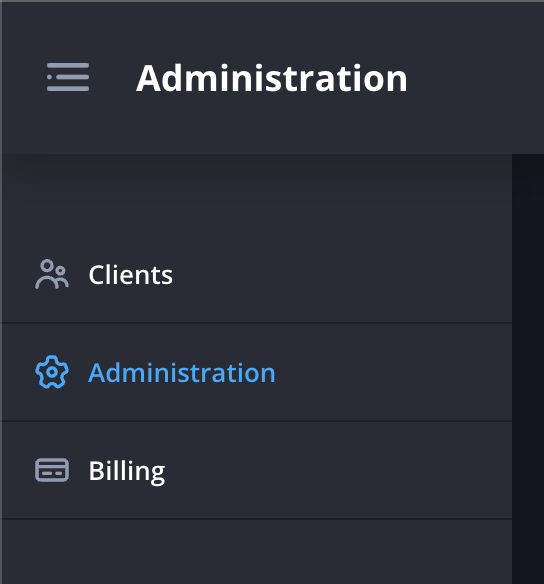
- Navigate to the Administration page.
- Click the Admins Icon next to your organisation.

- Click the Edit Icon next to your entry in the table.

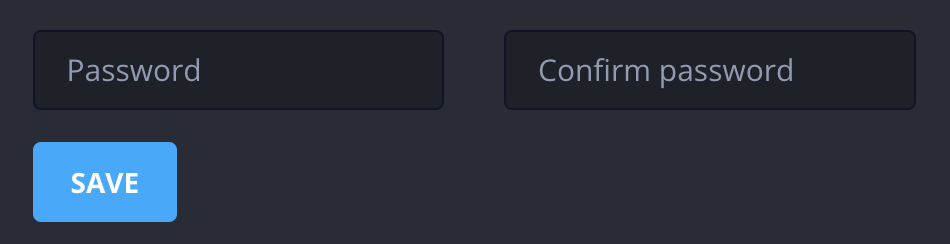
- Enter and confirm your new password and click Save
.png)
Still need help? Contact Us Contact Us