Edit an adviser
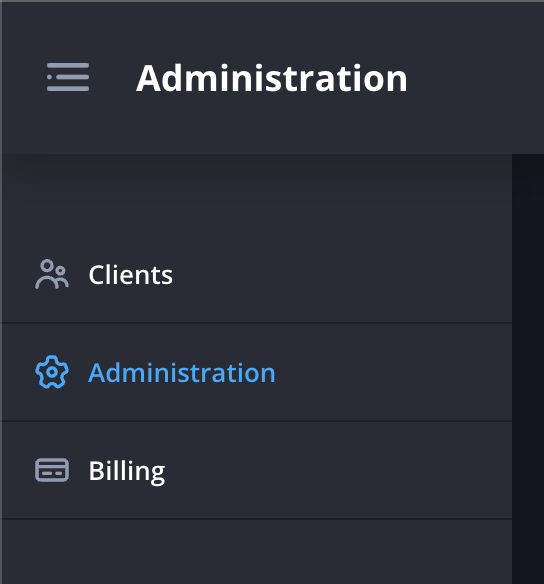
- Navigate to the Administration page.
- Click Admins next to the organisation of the adviser that you’d like to edit.

- Click Edit next to the adviser that you would like make changes to.

- Enter the new details.
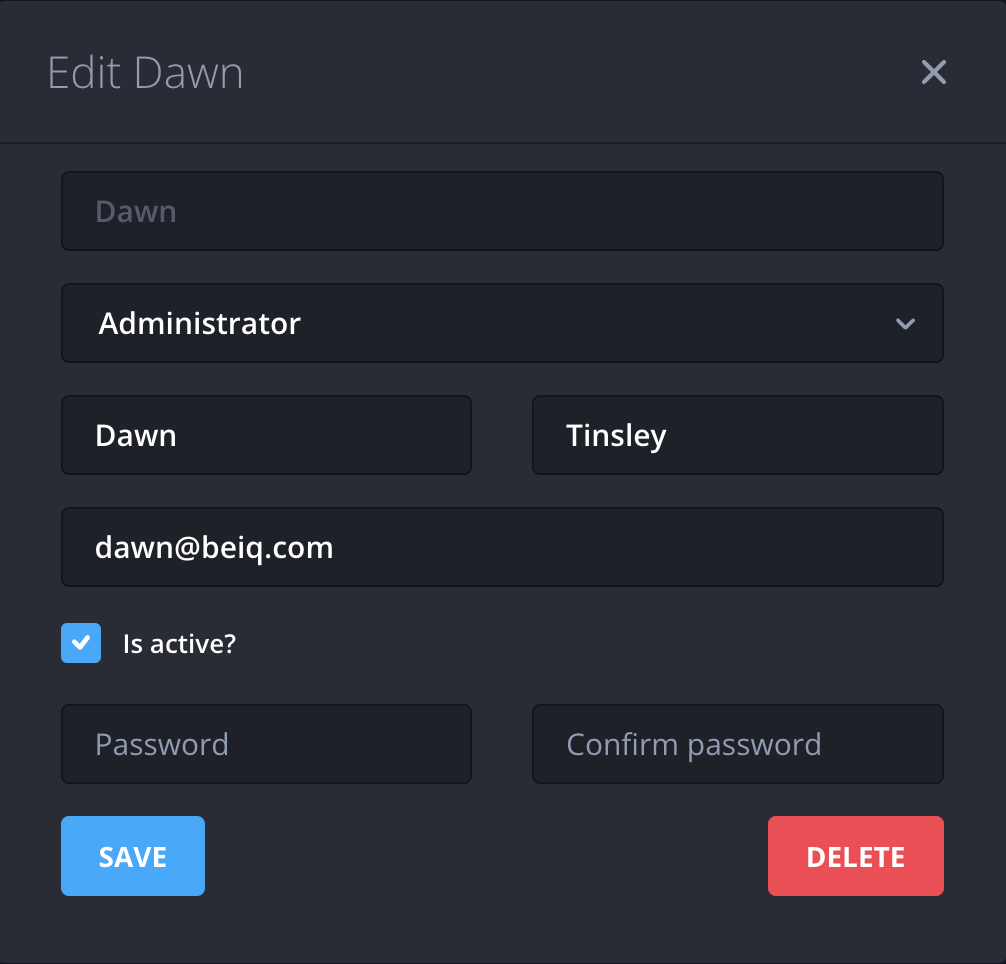
- Click Save
.png)

Still need help? Contact Us Contact Us