.png)
Create a new adviser
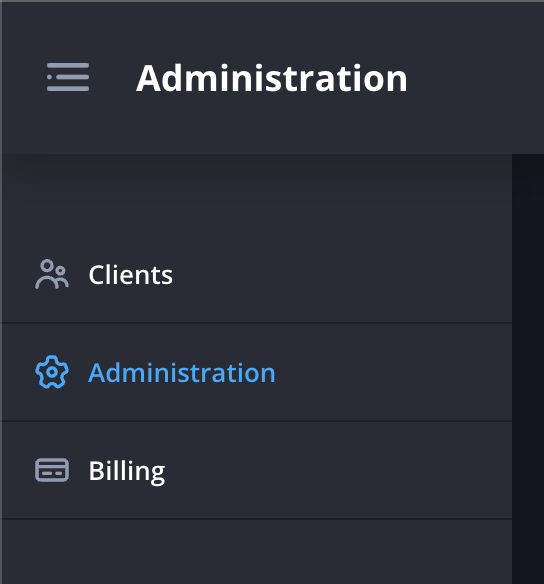
- Navigate to the Administration page.
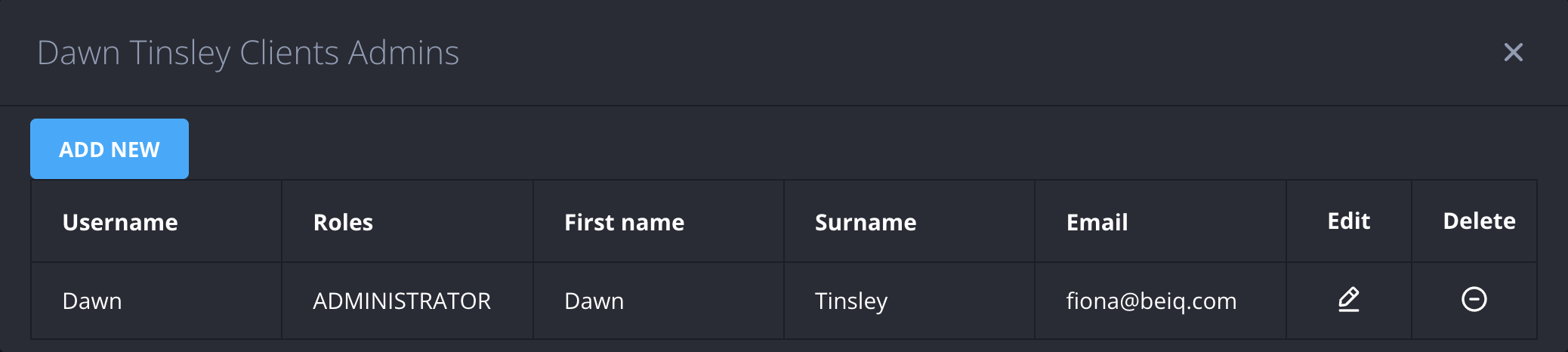
- Click Admins next to the organisation within which you’d like to create a new adviser.

- Click Add new.
- Enter the details of the new adviser. You can choose whether or not the adviser will have admin privileges by selecting Administrator.
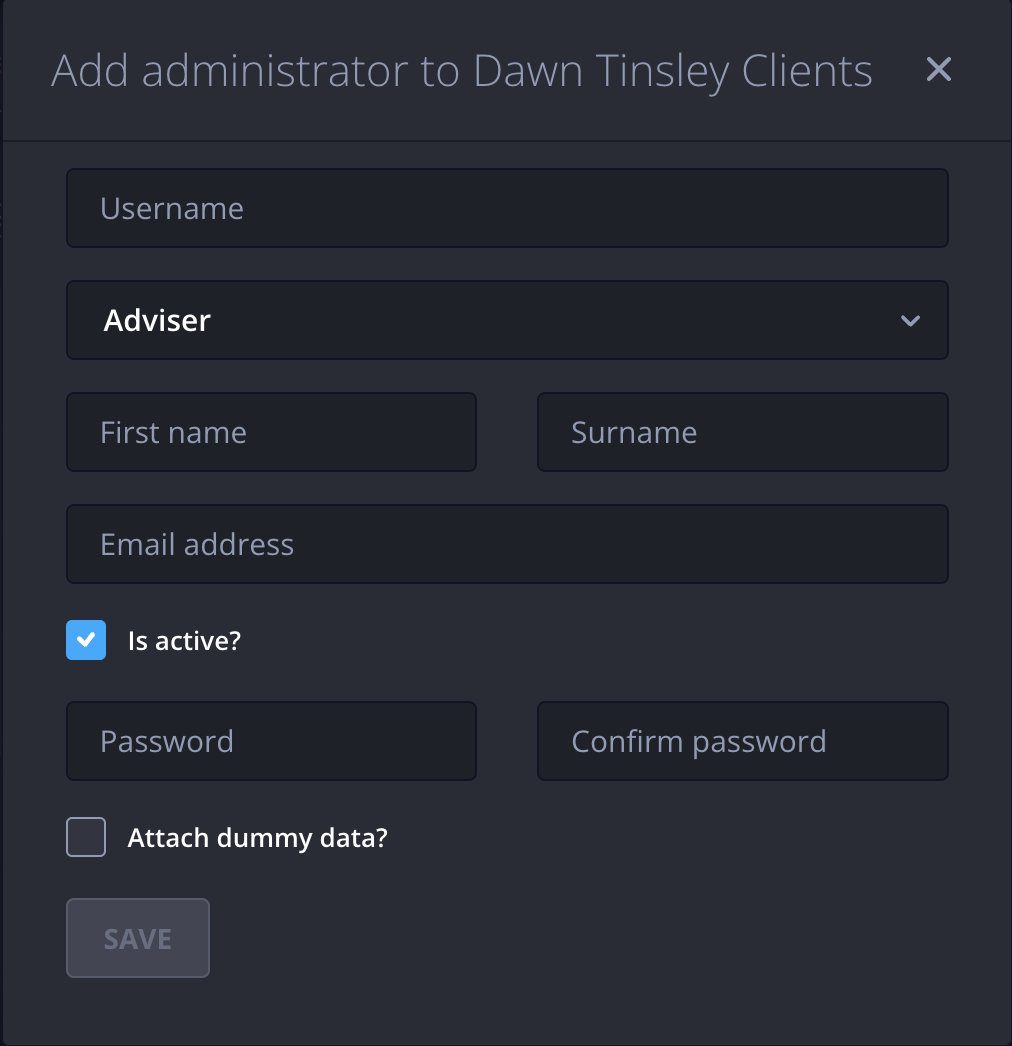
- Click Save
