.png)
Delete an organisation
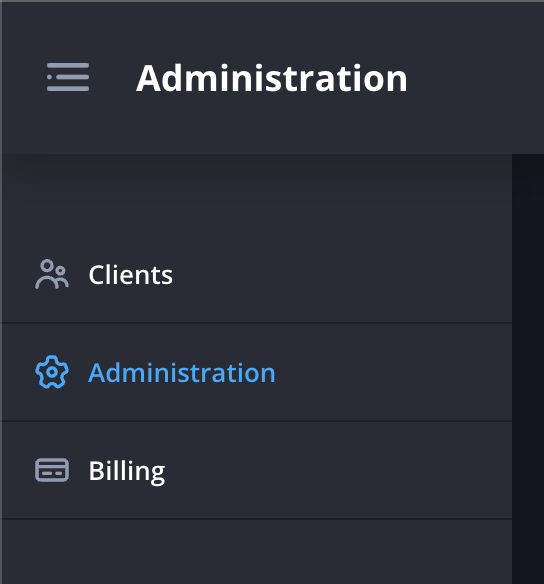
- Navigate to the Administration page.
- Click Delete next to the organisation you would like to delete.

- Click Delete to confirm.
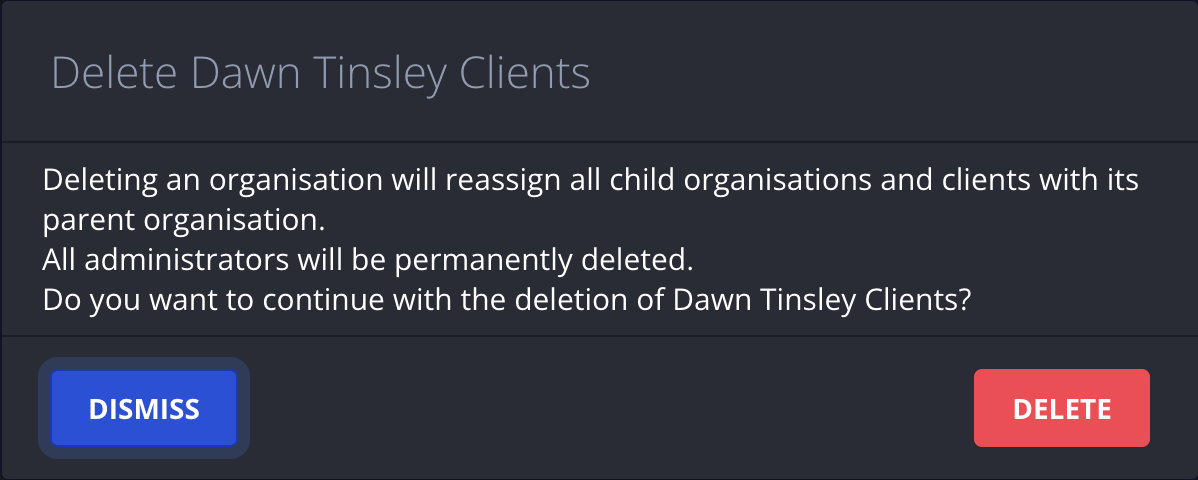
Deleting an organisation will reassign all child organisations and clients with its parent organisation.
All administrators will be permanently deleted.