.png)
Creating goals / Capacity for loss
Capacity for loss, comprises of the clients investment goals and what their capacity for loss for each goal is and whether their Behavioural Risk Score support this.
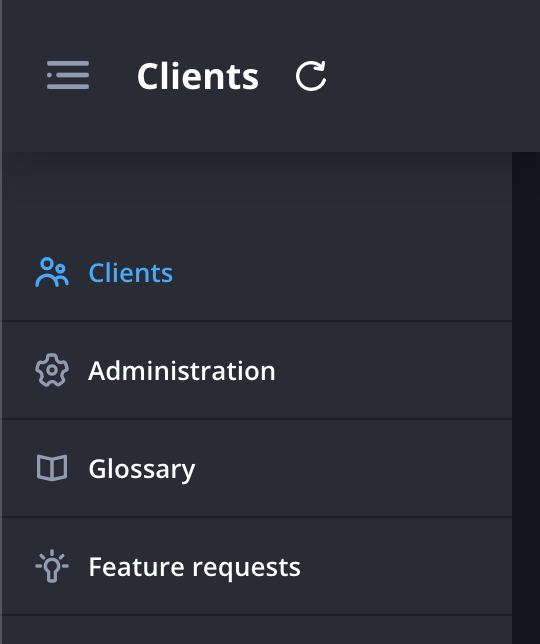
- Navigate to the client page.
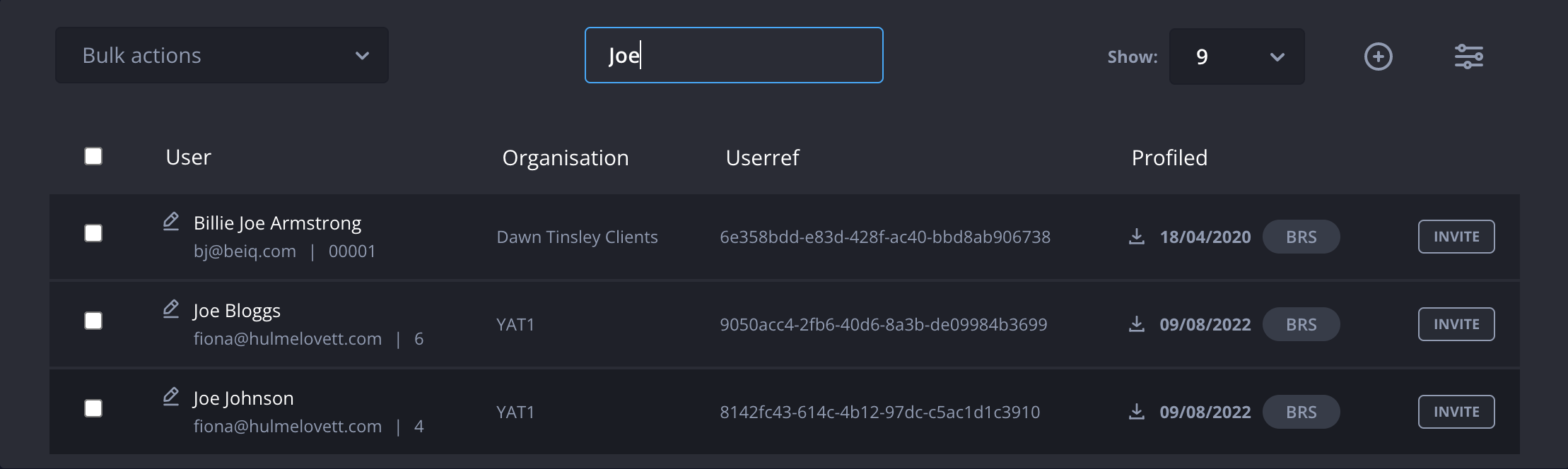
- Search for and click on the client for which you'd like to determine capacity for loss for.
- Click Add a new goal in the Capacity for loss panel.

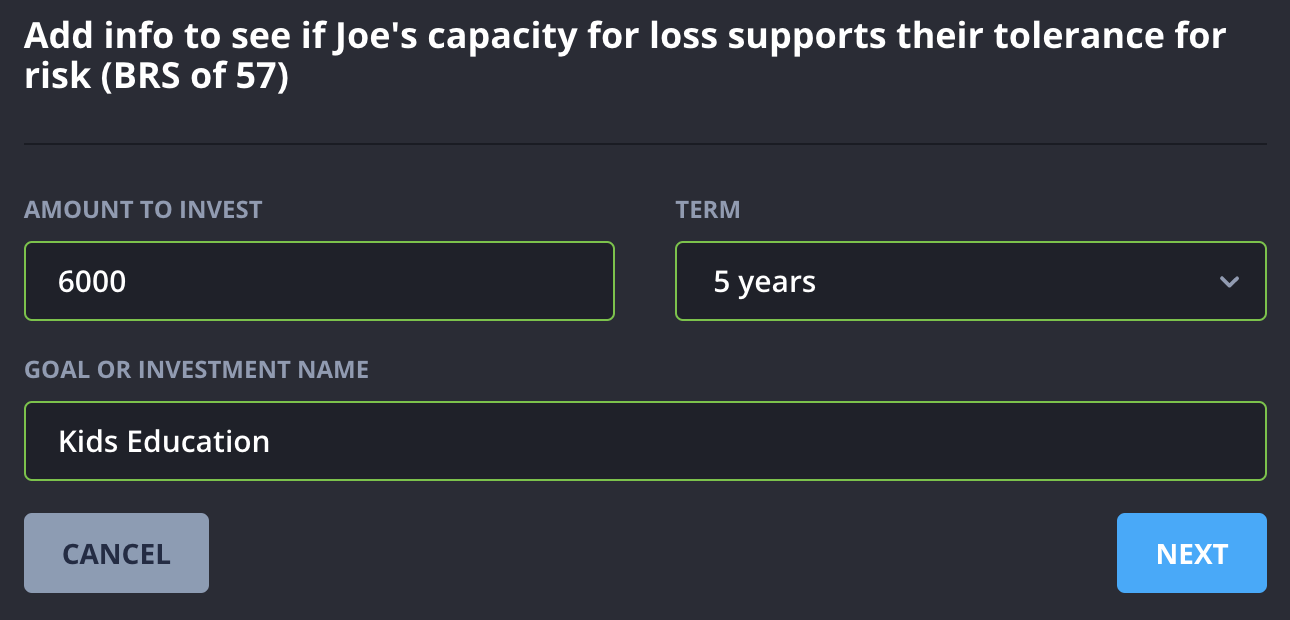
- Enter the amount and term of the investment.
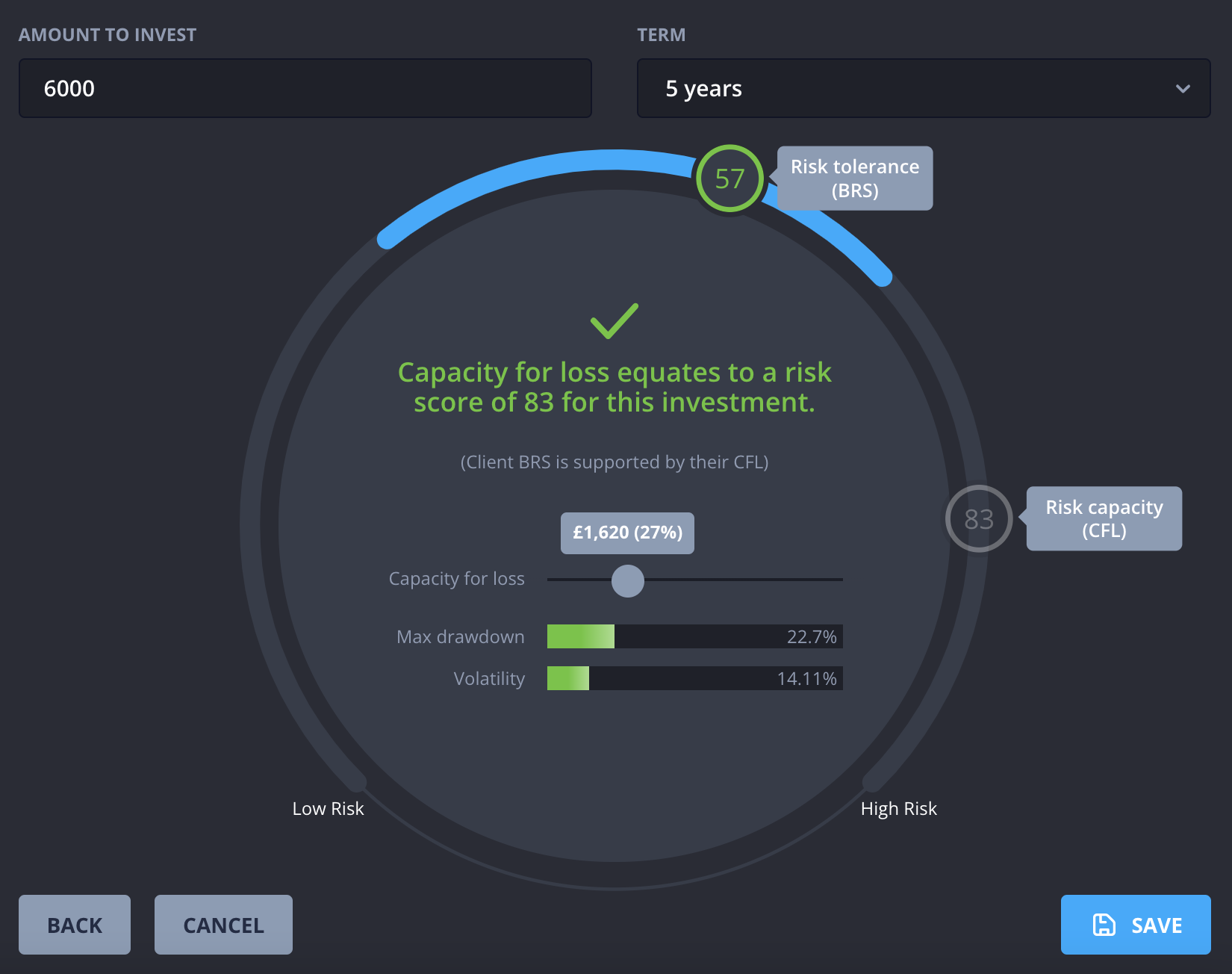
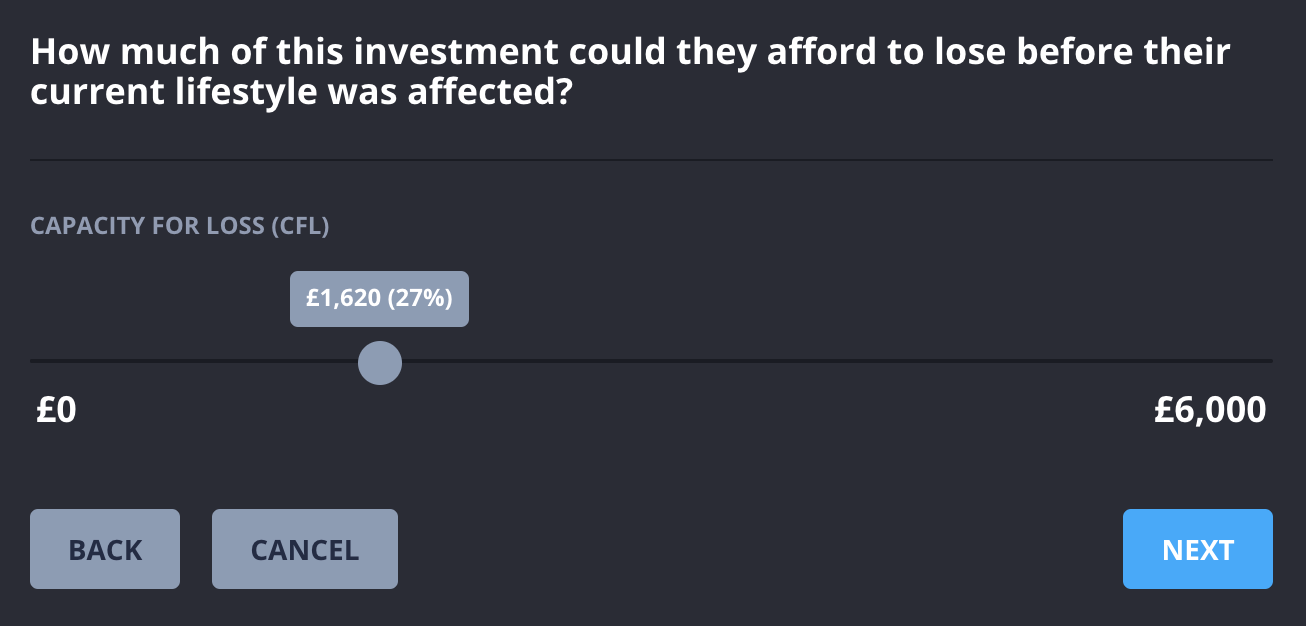
- Use the slider to show how much of this investment the client could afford to lose before their current lifestyle was affected.
- You will be shown a large version of the clients behavioural risk score dial.
Based on the entered information, Hub will add the clients risk capacity (CFL) to the dial.
Use the Capacity for loss slider in the middle to adjust the risk capacity figure.