.png)
Archive client(s)
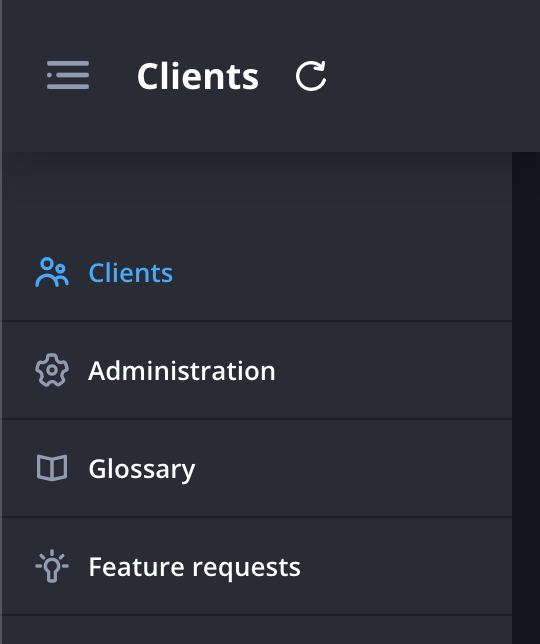
- Navigate to the client page.
- Click the filter icon at the top right of the screen.

- Search for and select the client you wish to archive.

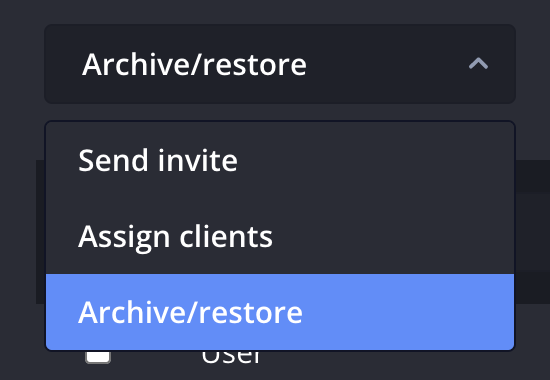
- Click the Bulk actions dropdown at the top of the page and select Archive.
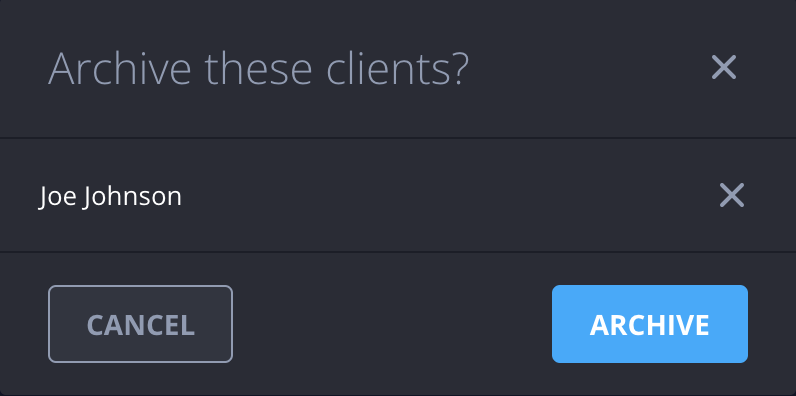
- Double check your selection and click Archive.